 quez
today
▶ Run
Balanced ••
quez
today
▶ Run
Balanced ••
Agent
PreviewCodeConsole
Files
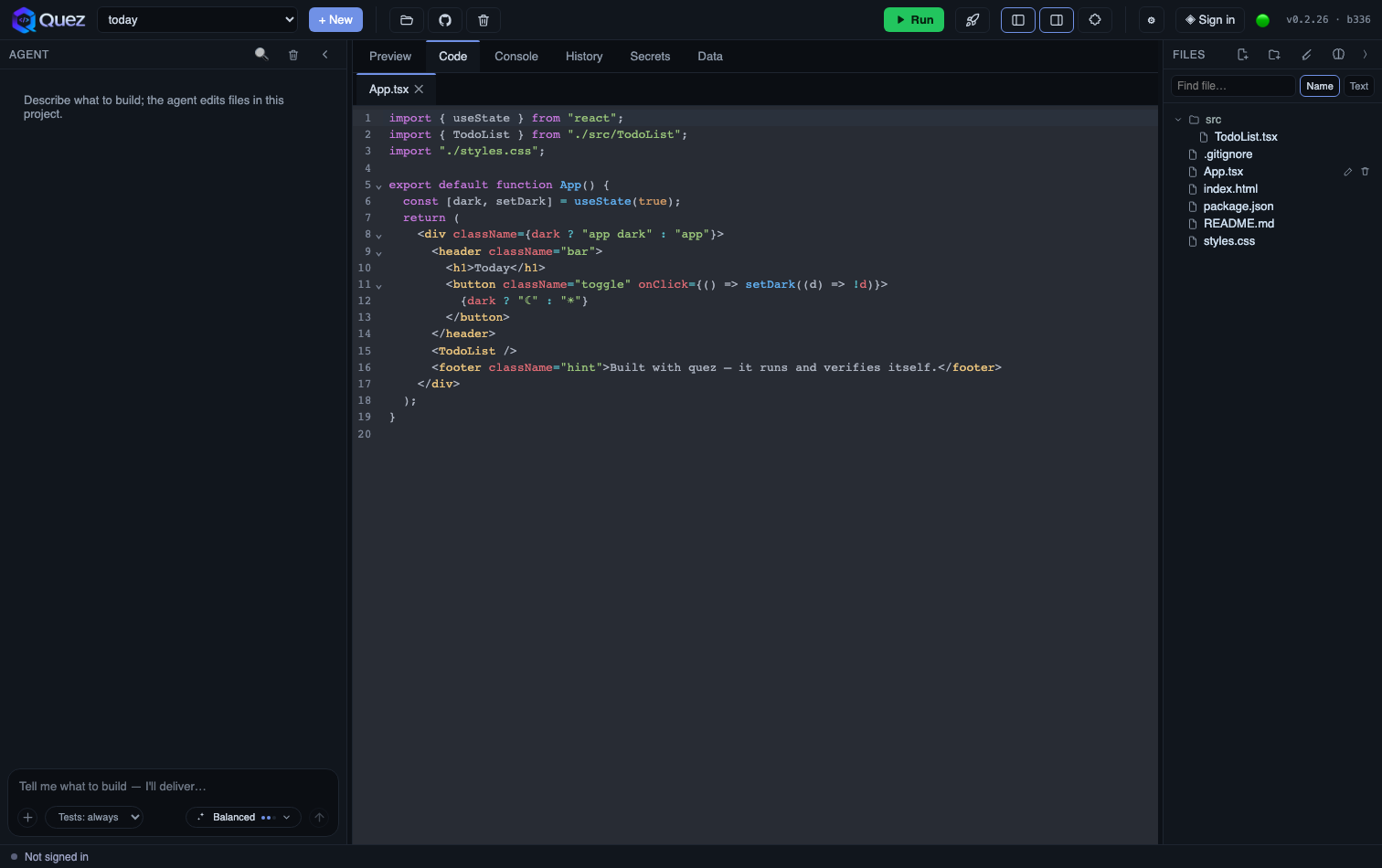
▶ Click a prompt — quez builds, runs, and verifies it right here.
Describe what you want in plain English. quez builds it on your own computer, runs it, and doesn't stop until it actually works — then hands you an app you own outright.
quez
today
▶ Run
Balanced ••
A real coding agent on your machine — not a sandbox you rent.
Most AI builders hand you code and hope. quez runs your app, tests it, and fixes its own mistakes — looping until it actually works.
Close it, come back tomorrow, or blow past the AI's memory limit — quez remembers the whole build and picks up right where you left off.
Builds run on your computer in real files and real git. Export or push to your own repo anytime — no lock-in.
Ship your app to the web — full-stack and database included — live at your-app.quez-ai.xyz.
The more you build, the better it knows your codebase.
quez keeps a living memory of your project — your decisions, how the code is organized, the conventions you follow — and brings it into every new build. You don't start from scratch each time.
Instead of re-explaining your app on every request, quez automatically recalls the parts of your project that matter to the change at hand — so new work lands consistent with what's already there.
Same top-tier model as everyone else — the difference is quez anchors every change in your real project, so the output gets more on-style and on-point the longer you build.
Describe it — quez builds, runs, and verifies it while you watch.
Pay for builds, not subscriptions you forget. Your code is always yours.
Try it with build credit on us.
We run the AI — zero setup.
Bring your own AI.
The short answers.
Yes. Builds run on your own computer in real files and real git. Export or push to your own repo anytime — no lock-in.
quez runs on your Mac — the AI plans, writes, runs and verifies your app locally. You can optionally publish the finished app to the web.
No — describe what you want in plain language and quez plans it, writes it, runs it, and fixes its own mistakes until it works. Prefer to get hands-on? There's a full built-in editor, so you can jump into the code anytime.
Start free with $5 of build credit, no card. Then pay-as-you-go on quez Cloud — or ride with your own Claude Code login or Anthropic key on Pro for $9/mo.
Apple Silicon Macs (macOS 12+) today. Windows & Linux are coming soon.
Yes. New Mac apps show a one-time "open anyway" prompt until Apple notarization is complete — here's the 30-second step.
No — start with $5 of free build credit on quez Cloud. You can plug in your own Claude login or Anthropic key later if you prefer. More.
Real web apps — landing pages, dashboards, tools, trackers, forms, small SaaS — front-end, back-end, and database.
Absolutely. There's a full built-in editor, and it's just files on your Mac — open them in any editor anytime.
quez checks automatically and offers to update itself — or use the quez menu → Check for Updates.
More in the full docs →